 Rotate PDF
 4.9 (10,000+ Reviews)
Flip and rotate single page or specific pages in PDF online for free

 Select PDF File
Or drop it here.
Loading... 0%
Manifest der Kommunistischen Partei.pdf
1.19 MB
Your file is ready
Manifest der Kommunistischen Partei.psd
 Your file will be deleted permanently.
 Delete File

 Start Over
Sharing is caring
Find PDFgear helpful? Share and help others discover it. Your support means the world to us!


- No file data is uploaded or transferred over the internet
- Files stay locally within your browser
- All processing occurs entirely within your browser
Learn more about why PDFgear is free. Still have questions? Feel free to contact us.

Fast, Flexible PDF Rotation
Rotating PDF online is simple. Visually identify the sideways PDF pages and change their orientation with precision, ensuring the new layout is saved permanently while maintaining the original PDF quality.

Rotate PDF Individually or in Bulk
Precise controls allow you to flip separate pages without affecting the rest of the document. You can also apply changes to the entire file at once, making it easy to fix large scanned PDFs in a single step.

Save Rotated PDF Permanently
Unlike simple PDF viewers, our tool ensures you rotate PDF and save it permanently. Once downloaded, the pages will remain in the correct position on any device or software.

Rotate on All Devices
PDFgear PDF rotator is optimized for all platforms. You can rotate PDF on iPhone, Android, Mac, or Windows directly in your browser without software or apps.

Guaranteed Security
PDFgear prioritizes your file privacy. All PDF processing happens locally in your browser, so no files are uploaded. See our Privacy Policy for more details.

Free with No Limits
PDFgear allows you to rotate PDF documents completely free, with absolutely no hidden fees or intrusive ads. No registration or sign-up is required at any point in the process.
How to Rotate PDF Pages Online for Free
-
1. Select: Drag and drop your PDF or click "Select PDF File" to rotate PDF online.
-
2. Adjust: Preview your PDF pages and rotate a single page or specific pages clockwise or counterclockwise.
-
3. Save: Click "Rotate" to apply changes and save them permanently. Then download your file.
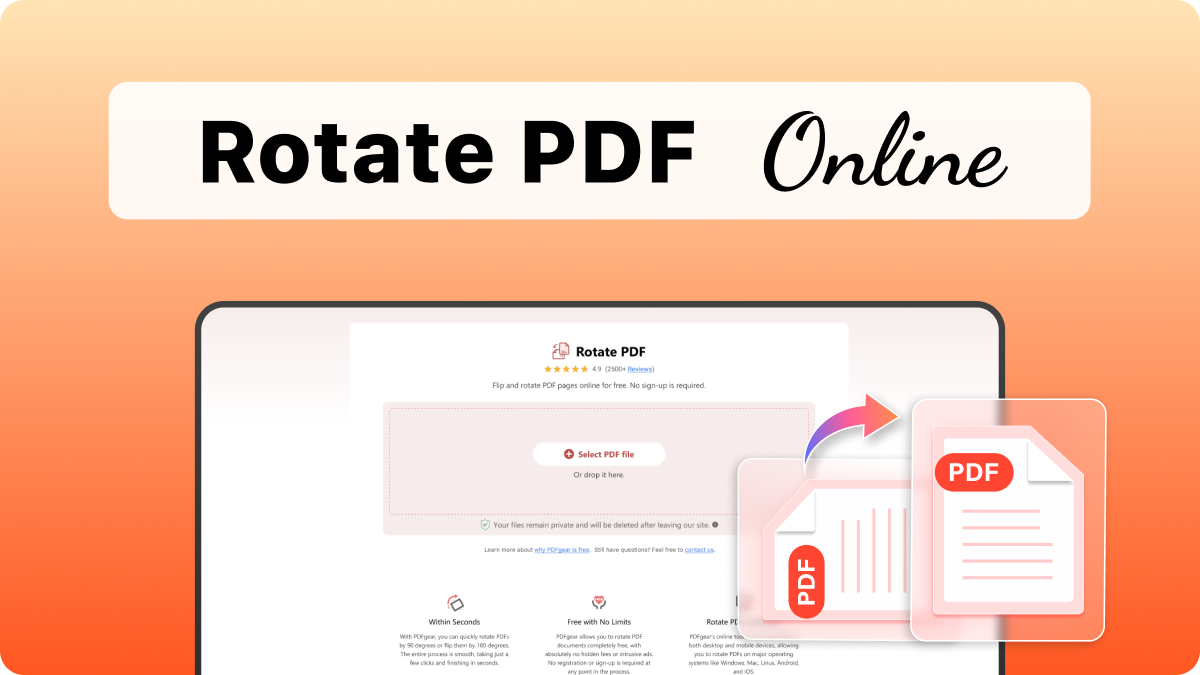

Online vs. Offline PDF Rotator: Which Do You Need?
PDFgear offers both online and offline PDF tools for all your PDF needs.
| Features | PDFgear Software | Rotate PDF Online |
|---|---|---|
| Accessibility | Installation required | Web browser-based |
| File Size Limit | No limit | No limit |
| Performance | Fastest | Faster ¹ |
| Internet Requirement | Works without Internet | Internet required |
| Functionality | All-in-one PDF solution for editing, converting, signing, splitting, merging, compressing, and more | No further operation after rotating |
| User Experience | Advanced and full-featured | Simple and easy to use |
| Data Processing | Files processed on local device | Files processed in browser locally |
| Ideal For | Power users needing advanced features and offline access | Users looking for fast, easy PDF rotation online |
1. Faster: Requires loading the webpage; speed may vary depending on the network connection and device performance.
FAQs about Rotating PDF Pages
How to rotate only one page in PDF?
After uploading your file, PDFgear provides rotation controls directly on each page thumbnail. To change the orientation of one page in PDF, simply click the rotation icon for the specific page you wish to adjust until it reaches the correct orientation.
How to rotate specific pages in PDF, instead of all of them?
Yes. PDFgear online PDF rotator allows you to easily rotate multiple PDF pages individually, without affecting the pages you want to leave unchanged. When you upload your file, you can choose exactly which pages need their orientation changed before you download the final document.
How to rotate PDF to any degrees other than 90°, 180° or 270°?
No. Standard PDF rotation only supports increments of 90°, 180° or 270°. If you need to rotate a page by arbitrary angles (e.g., 5°), you are usually performing a deskew operation. Check out how to deskew/straighten a PDF.
How to permanently rotate a PDF and save it?
To ensure the rotation is permanent, you must use a PDF editing tool that performs a Page Rotation operation. Simple PDF viewers, including many browsers (like Chrome or Edge), only provide View Rotation, which is temporary and doesn't save the change to the file. PDFgear modifies the PDF's underlying data, ensuring the new orientation is saved into the file itself and displays correctly for everyone.
How to fix a PDF scanned upside down?
Use the "Rotate All" feature to flip the entire document 180 degrees in one click, or visually identify and rotate specific pages individually. The whole process saves the corrected layout permanently without losing original quality.
Is it safe to rotate PDF online, and are there any file limits?
PDFgear processes your files locally within your browser and will not upload them to any web server, ensuring maximum privacy and safety. There are no registration requirements and no restrictions on file size or the number of times you can use the tool.
Do I need to sign up to use PDFgear PDF rotator?
No sign-up is required. You can access all rotation features immediately through your browser without creating an account or providing personal information.
Why should I use PDFgear PDF rotator instead of rotating PDF in Google Chrome?
Google Chrome only provides View Rotation, which is temporary and does not save changes to the file. PDFgear performs Page-Level Rotation, modifying the document's underlying data. This ensures the new orientation is saved permanently and displays correctly across all PDF readers and devices.
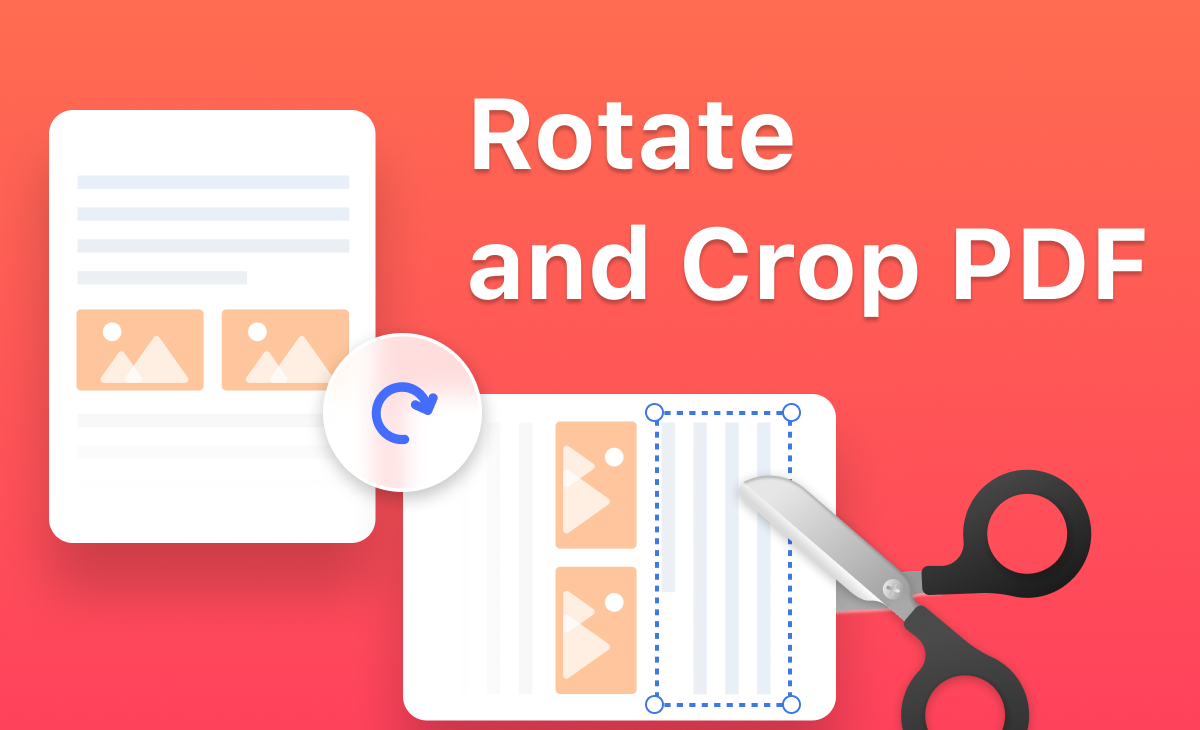 How to Rotate and Crop PDF Pages
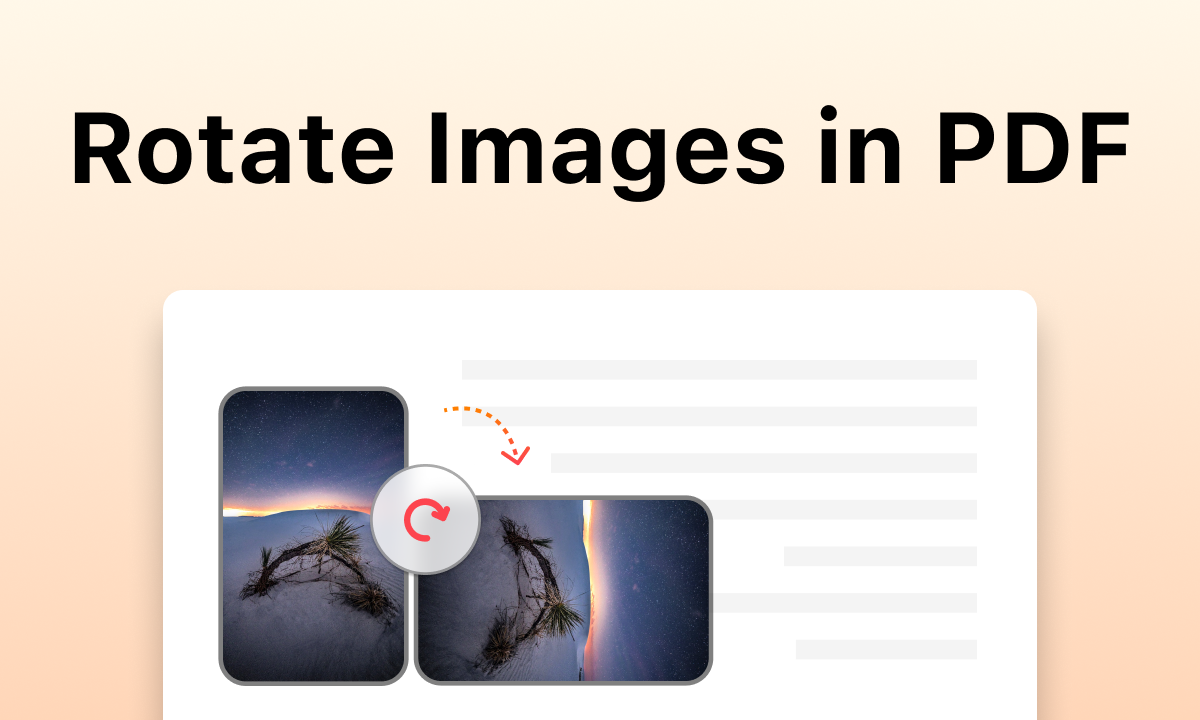 How to Rotate Images in a PDF for Free
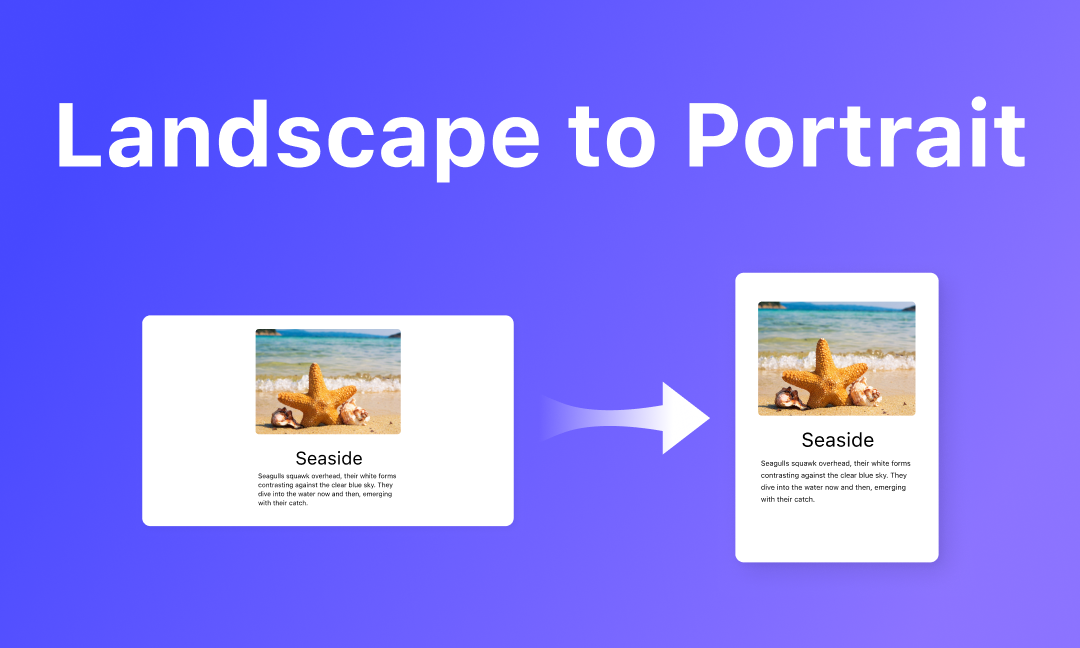 Change PDF from Landscape to Portrait
 PDF to Word
 PDF to Excel
 PDF to PPT
 PDF to JPG
 PDF to PSD
 Word to PDF
 Excel to PDF
 PPT to PDF
 JPG to PDF
 Edit PDF
 Read PDF
 Highlight PDF
 Annotate PDF
 Fill out PDF
 Crop PDF
 Rotate PDF
 Delete PDF Pages
 Add Pages to PDF
 Split PDF
 Merge PDF
 Extract PDF
 Compress PDF
 Unlock PDF
 Create Fillable PDF
 Flatten PDF