

Handle Every Need When Working with PDF on Mac
PDFgear for Mac brings everyday PDF tasks into one app, from editing text and organizing pages to converting files, recognizing scanned content, completing forms, and adding signatures.
Edit PDF Text, Images, and Annotations
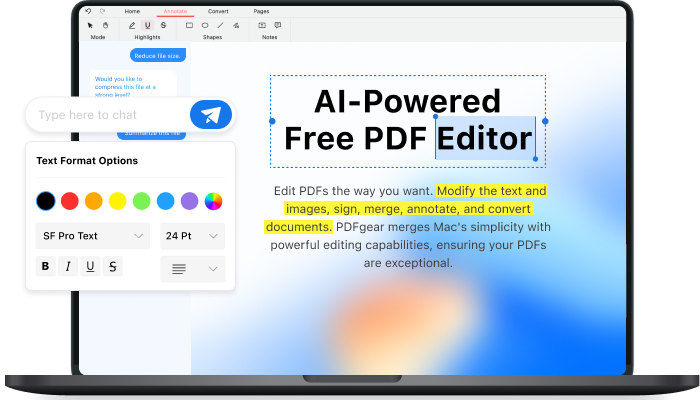
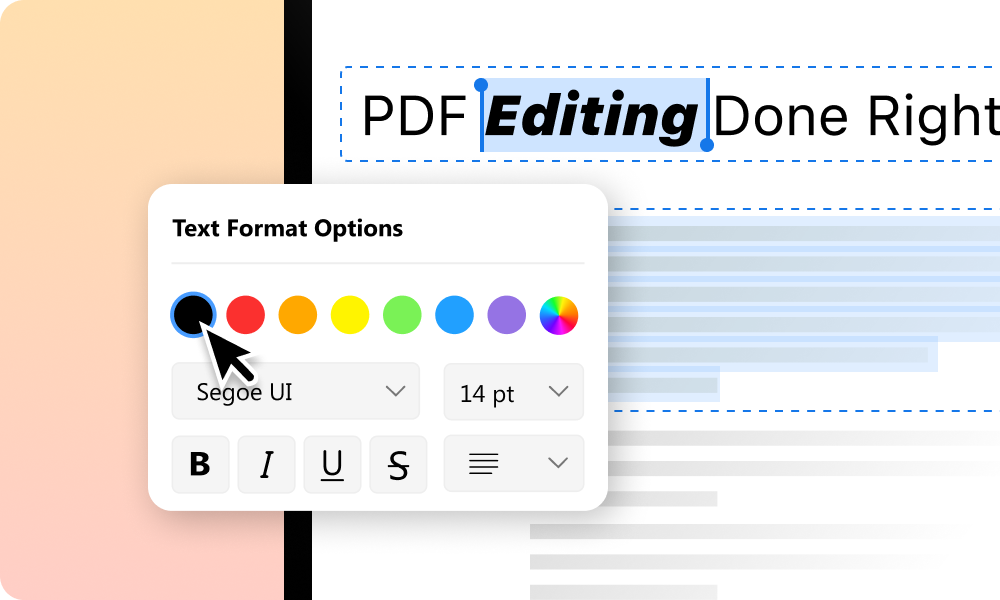
PDFgear lets you edit existing text in PDF for free without converting PDF to Word. Correct the wording or adjust its font, size, color, and spacing directly in the PDF.
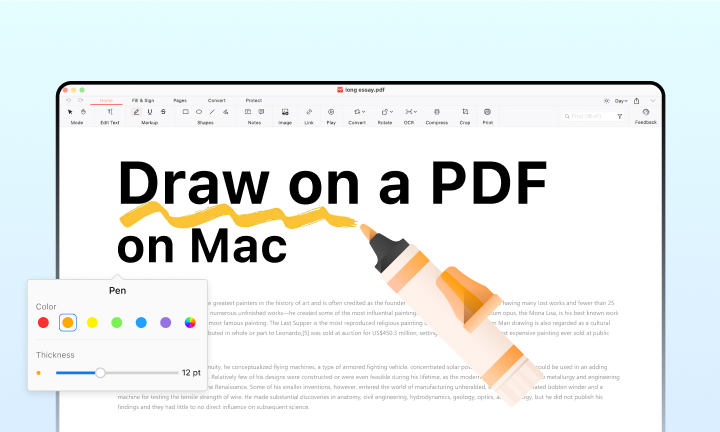
Beyond editing the text directly within the PDF file, you can resize or replace images and add highlights or comments while reviewing the document.
Read and Understand PDF with AI
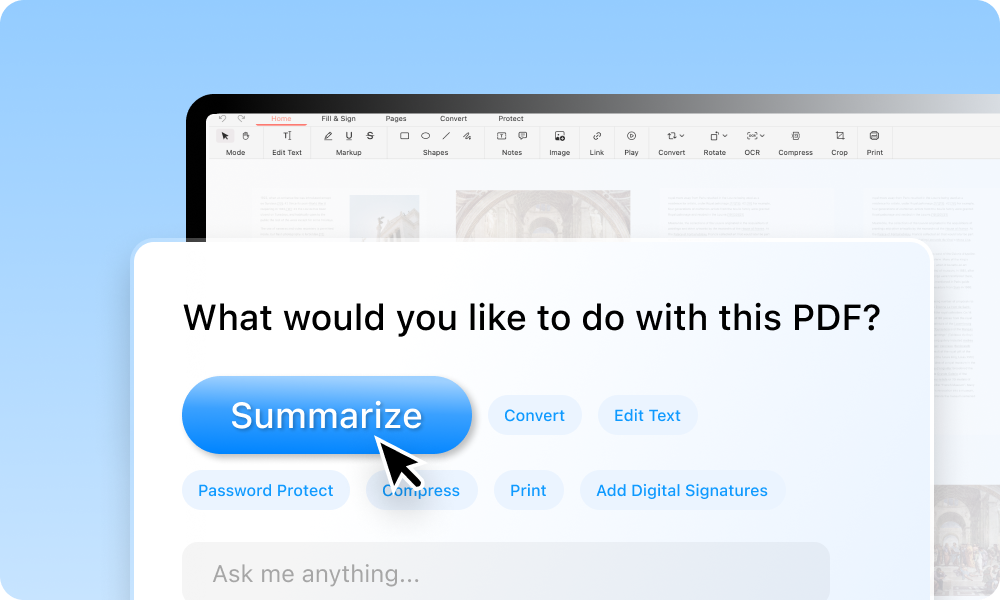
PDFgear is a free PDF reader for Mac with a built-in AI assistant that can summarize long PDFs, explain difficult passages, translate text, and find key details.
Ask questions and chat with PDFs while keeping the original document open for reference.
PDF Compressor with Quality Control
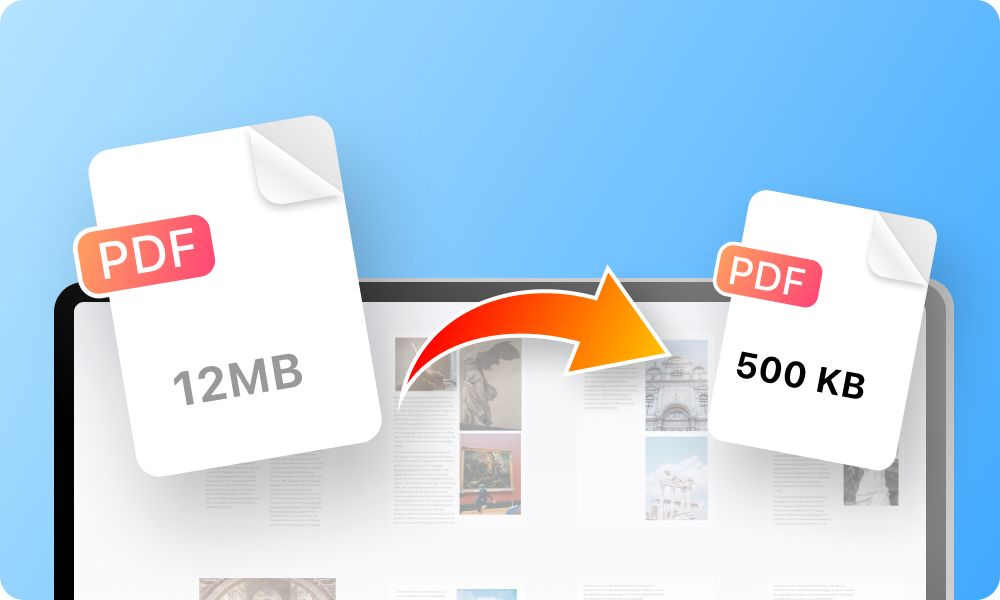
Compress PDFs on Mac with multiple compression levels, so you can choose whether to prioritize the original quality or the smallest possible PDF file size.
Several files can be handled in one batch, saving the repeated work of opening and compressing them separately.
Multi-Format PDF Converter for Mac
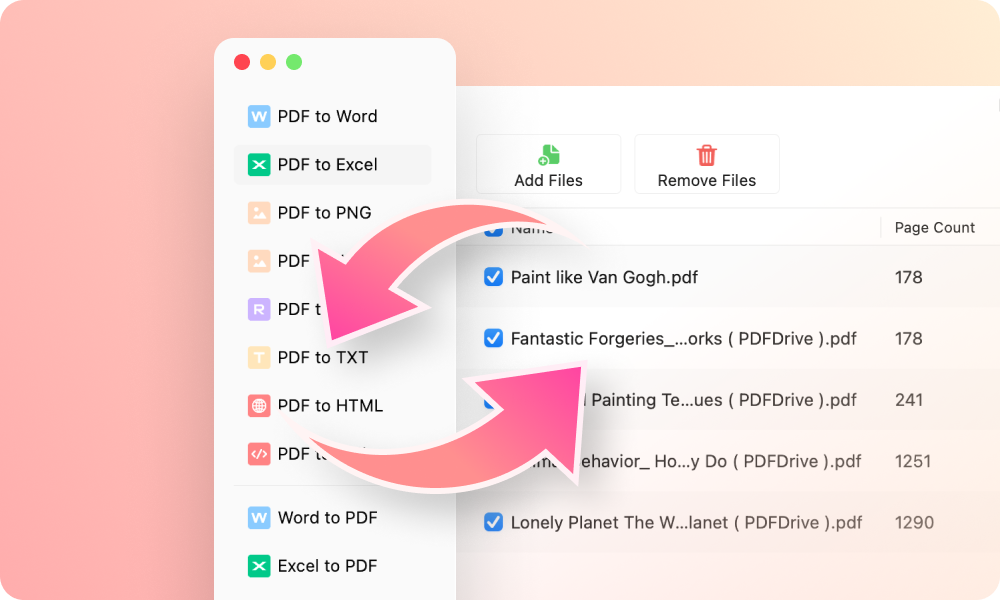
You can convert PDF to Word, Excel, PowerPoint, RTF, TXT, JPG, PNG, and more, with support for over 30 output formats. PDFgear can also create PDFs from Microsoft Office files, images, and blank pages.
For large batches or sensitive documents, PDFgear can batch convert PDFs offline, keeping the files on your computer throughout the process.
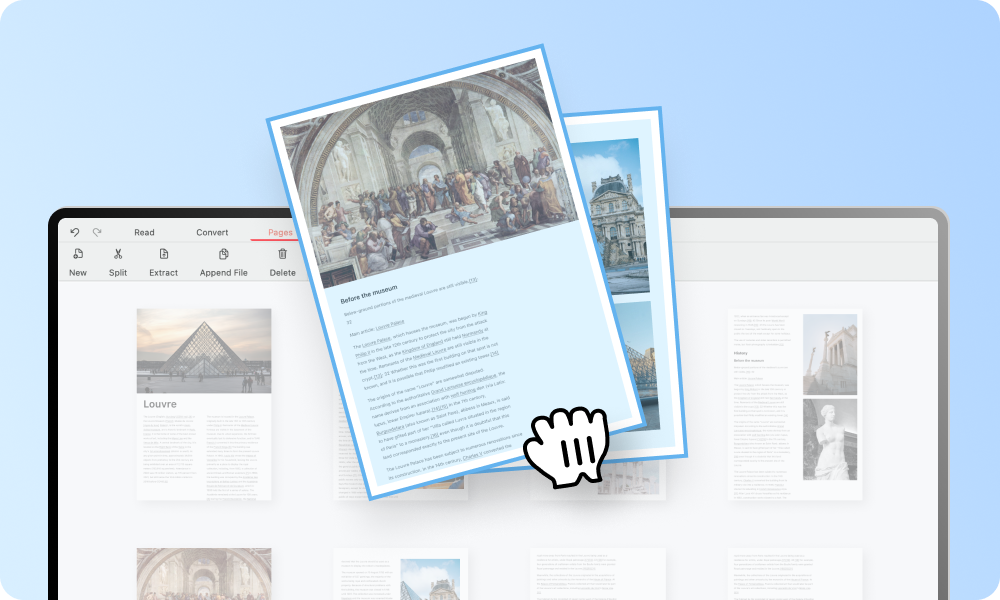
Reorder and Rearrange PDF Pages
Rearrange the entire document in one go, without splitting large files or working around page limits.
Drag page thumbnails into the right order, then insert, rotate, extract, or remove pages from a PDF in the same view.

Get full-featured PDFgear for free
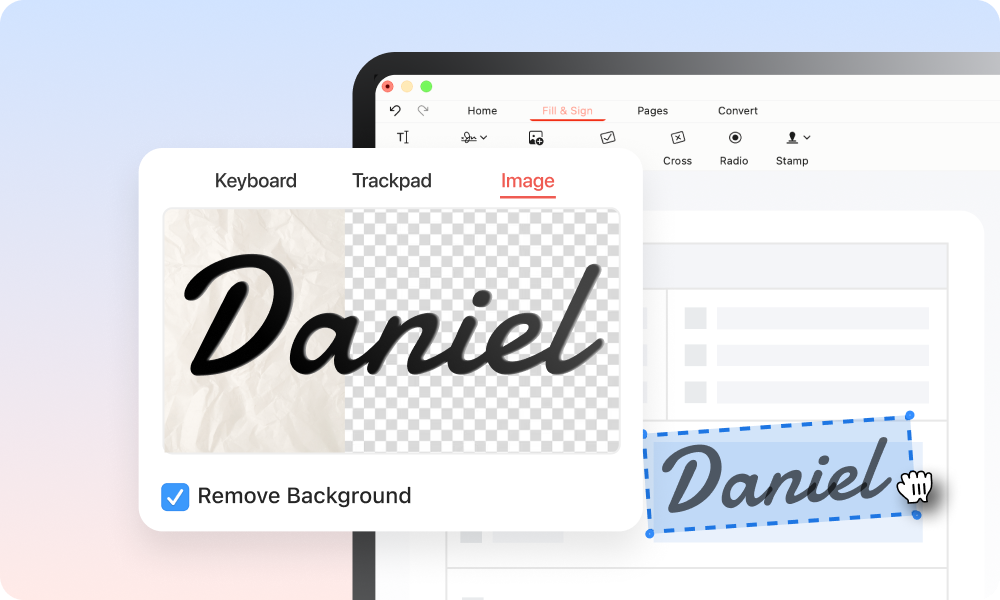
Add Electronic or Digital Signatures to PDF
Draw, type, or upload an electronic signature, then place and resize it directly on the document.
PDFgear can sign multiple PDF pages at once and supports certificate-based digital signatures when stronger identity verification is needed.
Accurate Text Recognition on Scanned PDF
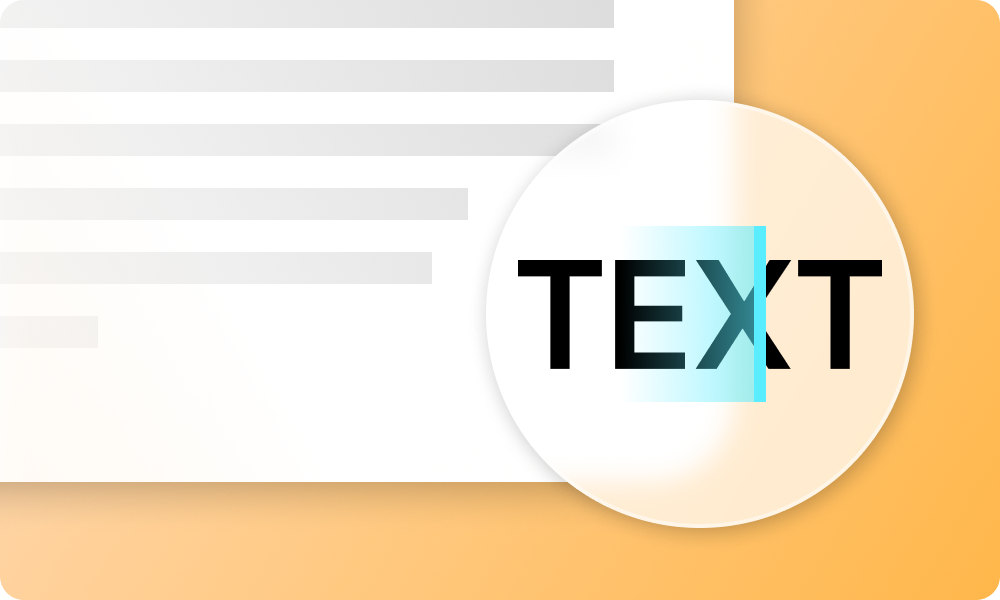
Scanned pages store words as images, which makes the text difficult to search or select. PDFgear can OCR the entire PDF rather than processing one page or area at a time.
Recognized text can then be searched, copied, or exported to an editable format such as Word or TXT.
Fill Out and Create PDF Forms
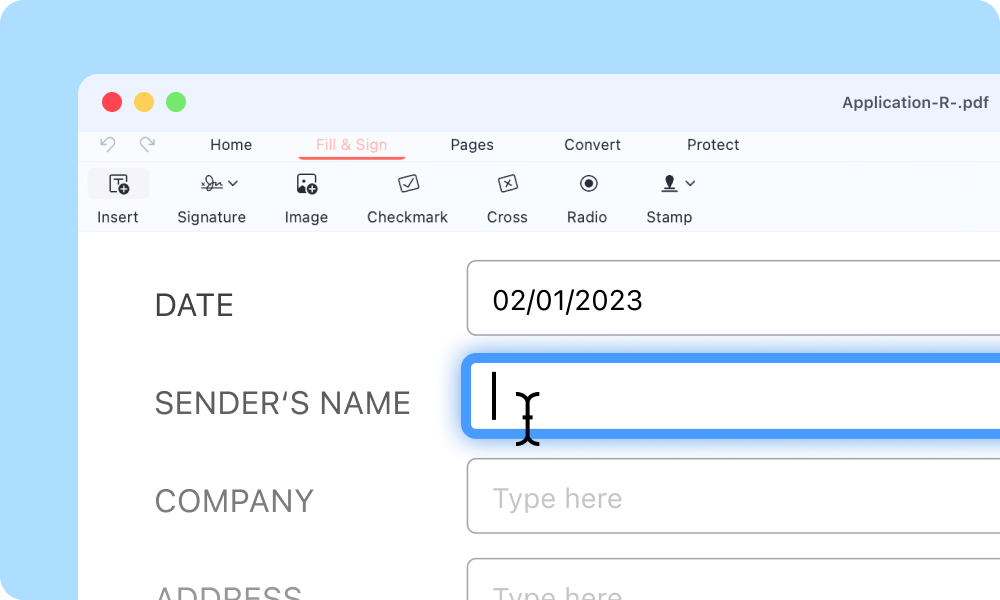
PDFgear lets you fill and sign PDF forms, including PDFs without interactive fields. Add text, checkmarks, images, and signatures where needed.
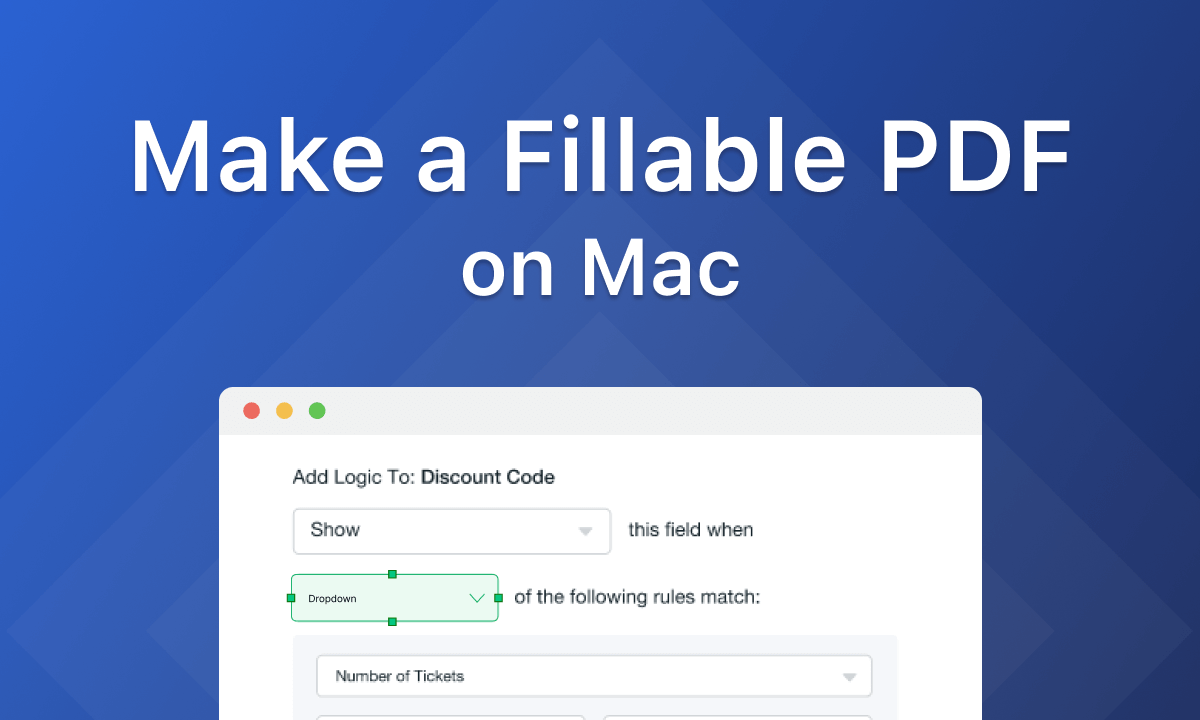
Start with a blank PDF or an existing PDF, then arrange the fields around the information you need to collect. A varied set of form tools makes it straightforward to build application forms, surveys, and other fillable documents.
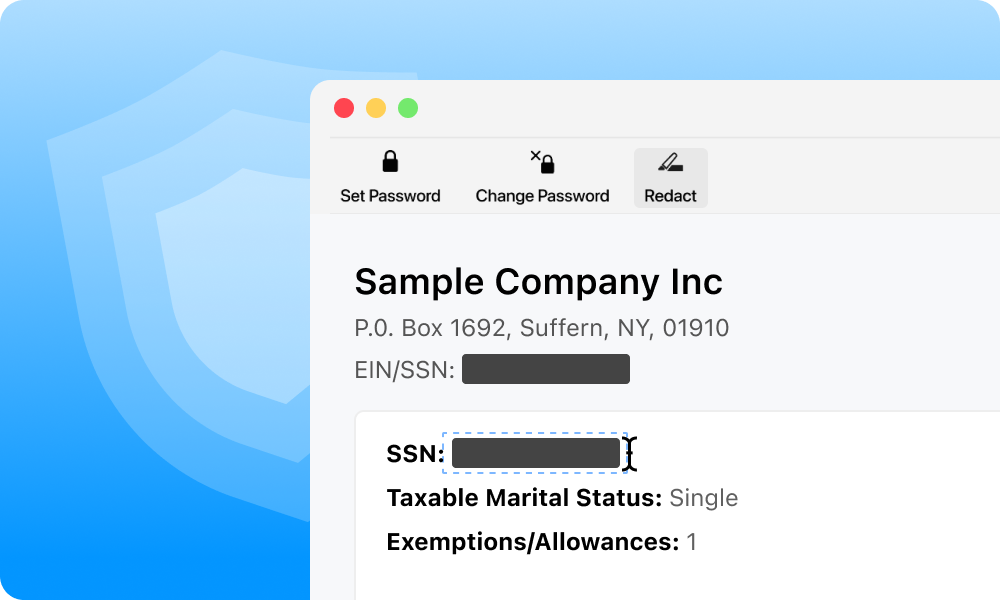
Hide Sensitive Information with Redaction Tool
Erase sensitive content for free, including names, account numbers, addresses, and images that should not be shared.
The redaction tool permanently removes the selected information instead of simply covering it, helping prevent hidden content from being recovered after the PDF is shared.
Start Without Sign-Up or Ads
Open PDFgear and begin working without registering or signing in. PDFgear for Mac contains no ads, and saved PDFs do not carry any watermarks.
Most editing tools within PDFgear work locally on the Mac. AI features, online services, help content, and software updates require an internet connection.
Get full-featured PDFgear for free
Your Questions are
Answered
Your Questions are Answered
Is PDFgear a Free PDF Editor for Mac?
Yes, PDFgear for Mac is a completely free PDF editor and reader for Mac. It comes without any ads, product promotions, or any forced software upgrades, offering a clean and straightforward user experience.
Is it safe to use PDFgear for Mac?
Most PDF editing takes place locally on your Mac.
When you use AI features, PDF content, chat inputs and limited metadata needed to provide the service may be sent to Microsoft Azure OpenAI Service for processing as described in our privacy policy. AI features and online services require an internet connection. Learn more: safety statement.
Why choose PDFgear over Preview for Mac?
While both PDFgear and Preview are free tools, PDFgear stands out with its simplicity and a broader range of functionalities.
It supports batch conversions of over 30 file formats, has built-in OCR capabilities for converting scanned documents into editable text, and includes advanced features like AI PDF chat for more intelligent document handling.
Does PDFgear work on MacBook Air, MacBook Pro, iMac, and Mac mini?
Yes. PDFgear for Mac supports MacBook Air, MacBook Pro, iMac, and Mac mini models running macOS 12 or later.
It requires at least 512 MB of RAM (1 GB recommended) and 200 MB of free storage. An internet connection is required for AI features, online services, help content, and software updates.
Explore PDFgear Online PDF Tools
Convert, compress and manage PDFs in your browser.
View online PDF tools