Reviews of PDF24 Tools: Features, Price, Pros and Cons, Alternative & More

Summary :
PDF24 Tools offers excellent PDF editing experiences. This is a comprehensive review of this amazing online software. Without further ado, let’s get started.
Table of Contents
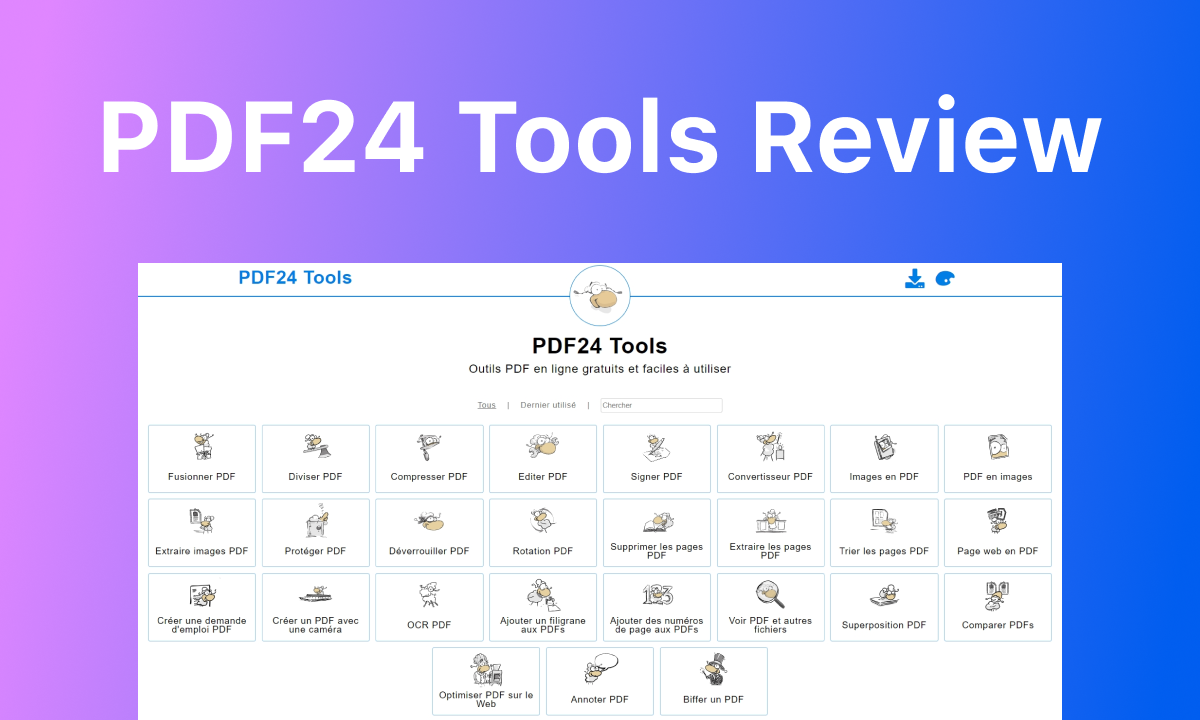
PDF24Tools Review
PDF24 Tools is a suite of tools designed to process your PDFs. you can perform PDF editing, management, and conversion tasks, without the need for download and installation.
In this post, we will show you PDF24 Tools’ main features, pricing, and pros and cons. Read thoroughly and see if it is qualified to be your PDF partner. In case the answer is negative, there is also an alternative choice.
PDF24 Tools at a Glance: What is PDF24?
PDF24 Tools was developed by a German company called GmbH in 2006. It includes 30+ practical PDF tools tailored to specific problems that are available online. To name a few, merging PDFs, compressing PDFs, and extracting PDFs.
PDF24 Tools is in company with PDF24 Create and PDF24 Fax. PDF24 is a software working on Windows desktops with all the features PDF24 Online Tools provides, while PDF24 Fax focuses on offering excellent faxing services.
Since PDF24 Create has system limitations and PDF24 Fax can’t help you deal with PDFs, we will mainly talk about PDF24 Tools.
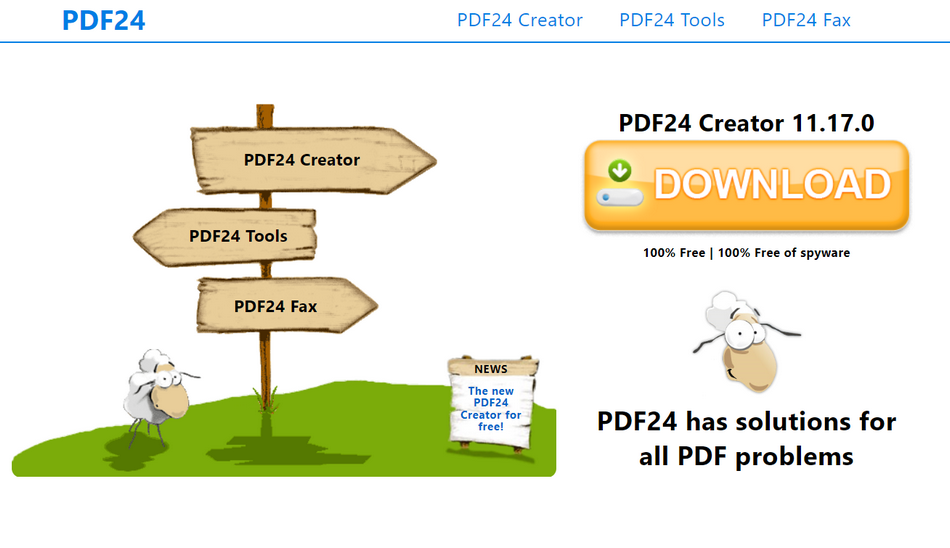
pdf24 Overview
What Features Does PDF24 Tools Offer?
In this part, we will introduce PDF24’s tools across several categories: PDF editing, PDF conversion, and PDF management.
The editing tools offered by PDF24 include merging PDFs, splitting PDFs, compressing PDFs, editing PDF text, signing PDFs, and importantly, PDF OCR and PDF overlay. These tools cover all basic needs for editing your PDFs.
For conversions, PDF24 supports a wide range of formats including images, Word documents, Excel, PowerPoint, and EPUB. You can easily convert these formats to PDFs or convert PDFs to these formats.
Experience excellent PDF management with PDF24’s tools such as extracting images from PDFs, protecting PDFs, unlocking PDFs, and rearranging PDF pages. There are more tools waiting to be explored.
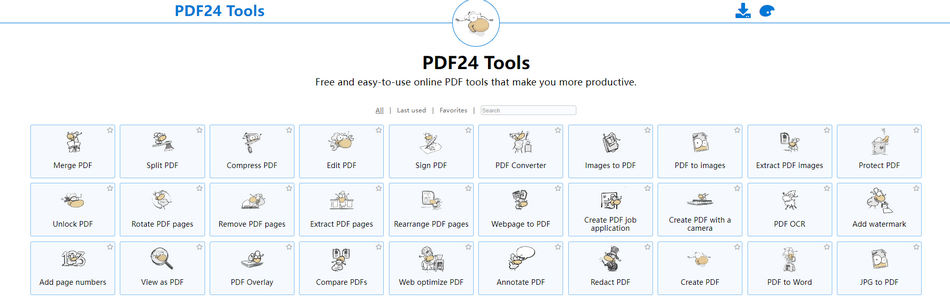
PDF24 Online Tools
Is PDF24 Tools Really Free to Use?
PDF24 Tools is really free to use. The better thing is, it doesn’t even limit you how many PDFs you can process each day, which PDF too you go, or the size of the PDF you upload. Plus, PDF24 Creator is also free to download and use.
The bad thing is, the PDF24 Tools’ interface may contain some tedious ads. This is how they seek a balance between serving the users and making profits.
Though being free, PDF24 values information security. All file transfers are encrypted. All files will be automatically deleted from the processing server. And they don’t store files or evaluate them.
User View: Pros and Cons of PDF24 Tools
Users’ real experience is one of the most important factors to consider while deciding if software is right for you. Below are some key factors extracted from users’ reviews on platforms like TechRadar, Capterra.
- Free for both personal and business use. No hidden charges, no limitations.
- Include all essential editing features for basic needs.
- Easy to use. No skills required.
- Safe and green online services. The PDFs you uploaded will be removed within an hour. No malware is spotted.
- All tools are separated. That would cause trouble for a comprehensive workflow.
- Occasionally, PDF24 can be clunky, especially when handling big PDFs.
- The ads on the interface are extremely annoying.
- The interface needs an upgrade.
PDFgear: A Free Alternative to PDF24 Tools
Similar to PDF24, PDFgear is a one-stop solution for PDF. What makes it surpasses PDF24 is its wide OS and device support range and more versatile tools. To be specific, PDFgear now can be accessed through any browser, or be downloaded to Windows, Mac, Android, and iOS. No matter which device you are in, you can always gain 100% ad-free, and safe PDF experiences without costing a dime.
As for the features, PDFgear joined the basic PDF editing tools together with the power of AI to revolutionize how people handle PDFs.Get PDFgear now and follow us to see how it can help you out.
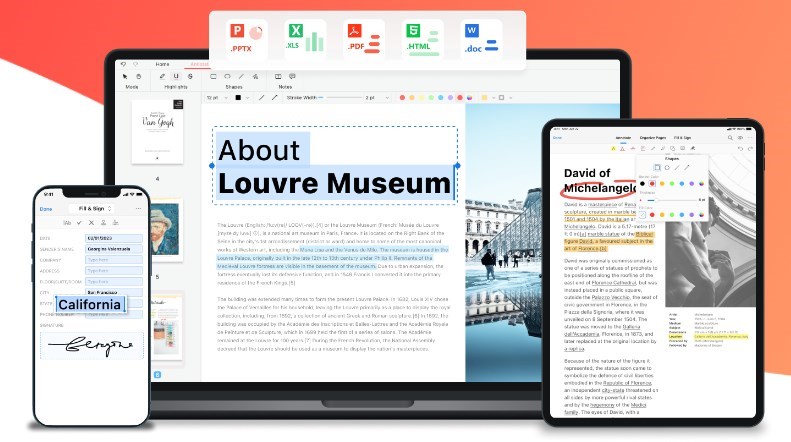
PDFgear Overview
Key Features of PDFgear
1. Convert a PDF document into Word, Excel, PPT, image or vice versa. Farewell to format-related issues.
2. Edit your PDF text, add annotations, highlights, insert pictures, or split PDFs, merge PDFs like a Word document.
3. Increase brand awareness by adding a watermark. You can also add an image, or write an e-signature to your PDF.
4. Manage your PDFs by adding page numbers, add header and footer, delete pages, insert pages.
5. Protect your PDF with a password to prevent anyone from accessing confidential information, or unlock the PDF password easily.
6. AI Chatbot helps summarize your PDF, chat with PDF, translate and even edit your PDF via a simple prompt.
7. The OCR tool lets you convert scanned PDFs or images into searchable and editable text.
Comparison with Competitors: PDF24 Tools VS PDFgear
| PDF24 Tools | PDFgear | |
| System | Online | Windows, Mac, Android, iOS, Online |
| Pricing | Free | Free |
| Edit PDF Text | Yes | Yes |
| PDF Conversion | Word, PPT, Excel, SVG, XLS, EPUB, TIFF, JPG, PNG | Word, Excel, PNG, Text, PPT, XML, RTF, PNG, JPG |
| Protect your PDF | Yes | Yes |
| Fill Out the PDF Form | No | Yes |
| AI Summarize PDF | No | Yes |
| Edit via a Prompt | No | Yes |
