The 8 Best Tools for Telugu to English PDF Translation

Summary :
Telugu is one of the most popular languages in India and is spoken in Southern India. Check out the best Telugu to English PDF tools.
Table of Contents
Telugu to English PDF Translation
Telugu is one of the most popular languages in India. Of course, there may be people speaking and understanding Telugu in many parts of the world, but the language does not have a universal presence.
That is why you might need to check for a good Telugu to English PDF translation tool that should help translate your Telugu PDF into English. It is advisable to check the best AI tools to chat with PDF.
PDFgear is the best AI tool for translating a PDF from Telugu to English. It’s completely FREE, with no limitations.
PDFgear
PDFgear chatbot with the Copilot integration can be an excellent option for translating Telugu PDF into English. A free-to-use PDF editor, it can be helpful with a wide range of options for handling your PDF files. It is capable of reading, converting, or editing PDFs.
The Copilot feature powered by GPT 3.5 lets you chat with PDF files and convert the files into English seamlessly. You can ask Copilot to translate your PDF files with simple steps. It is the best AI PDF editor that lets you chat with PDF.
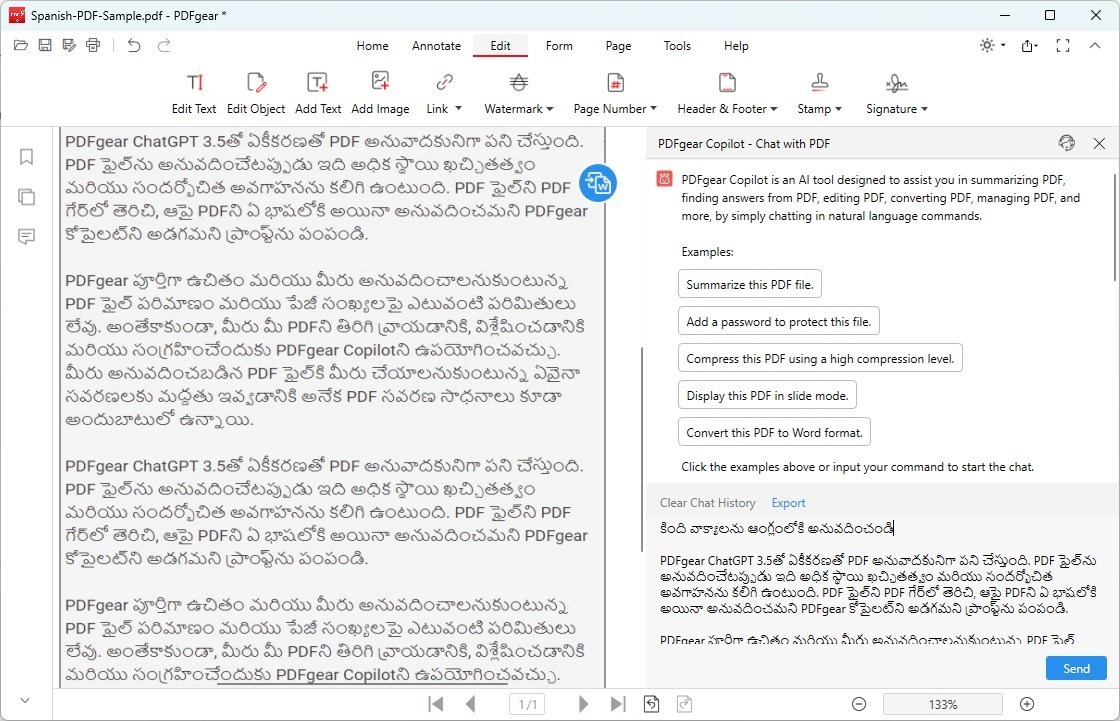
PDFgear for Telugu to English PDF Translation
Pros
- Many tools exist to edit PDFs after translation.
- AI assistance ensures accurate translations.
- Translate, rewrite, and analyze PDFs all at once.
Cons
- Doesn’t support translating an entire PDF at once.
Step 1. Add PDF file to PDFgear app. You can simply use the Open File option and browse your files to add them to the software.
Step 2. Click on the Copilot icon at the bottom right corner to launch the Copilot feature.
Step 3. Chat with the PDF and translate your content.
That does it. You can ask PDFgear to do practically anything with your PDF document.
Online Doc Translator
Online Doc Translator is another excellent online translator that can easily translate Telugu into English.
The PDF translation and converter should handle your translation tasks seamlessly. It can help achieve an effective PDF conversion as well. Moreover, the translation services are available for free.
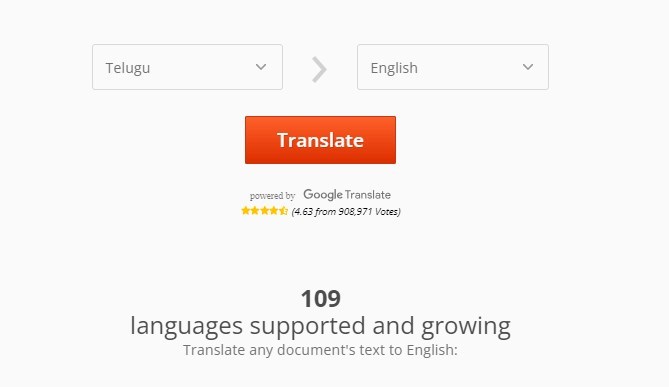
Online Doc Translator for Telugu to English Translation
Pros
- A versatile Telugu to English PDF translation.
- It can preserve the layout of the document as it is.
- Multiple PDF handling capabilities
Cons
- The file size is limited to 10 MB
- Intrusive ads
Canva
Canva is a design software. However, PDF translation from Telugu to English has been observed to be quite capable. It can also work quite efficiently across different languages.
Canva also has an online PDF translation tool that can handle an entire page. The best part is that the software can detect the language on the PDF and translate it into your preferred language.
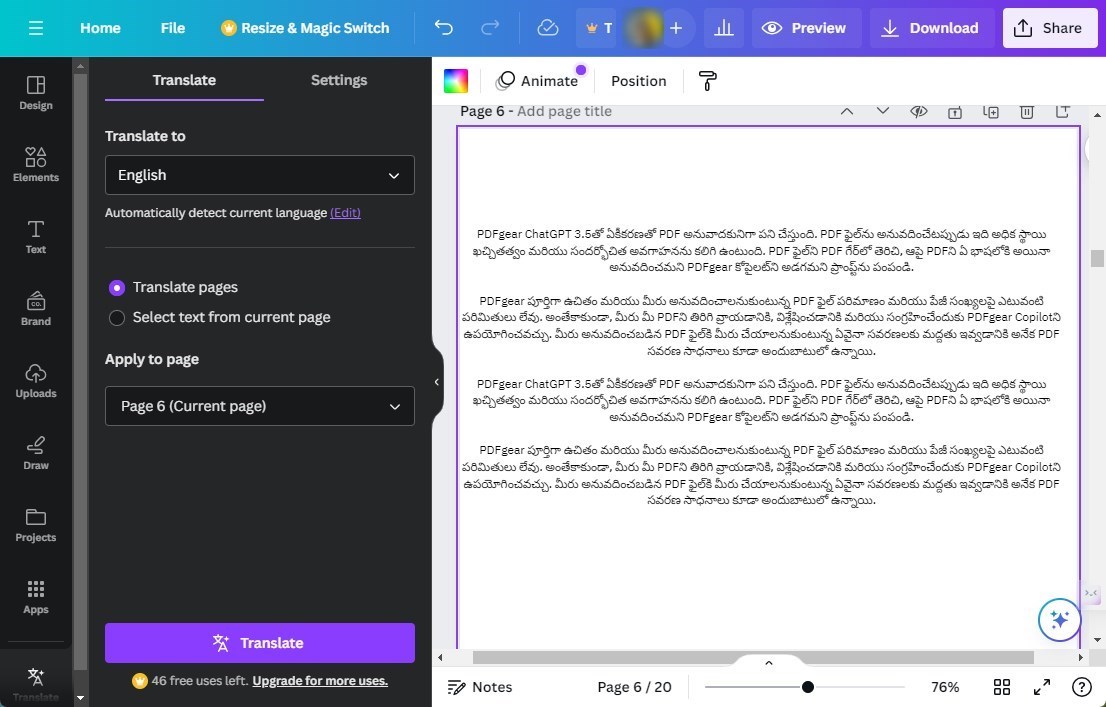
Canva for Telugu to English PDF Translation
Pros
- It can work with the entire document or handle selected sections.
- Ease of translation with the detection of the languages
- PDF editor features available
Cons
- Translation functionality is limited
Google Translate
Google Translate is one of the most popular Translator services available online. It is a powerful translator that can be used on any browser. Its development over several years supports more than 175 languages worldwide.
The machine translation offered by the translator has been quite impressive. It can handle text and document translation options. It is a good choice for effortless language translation.
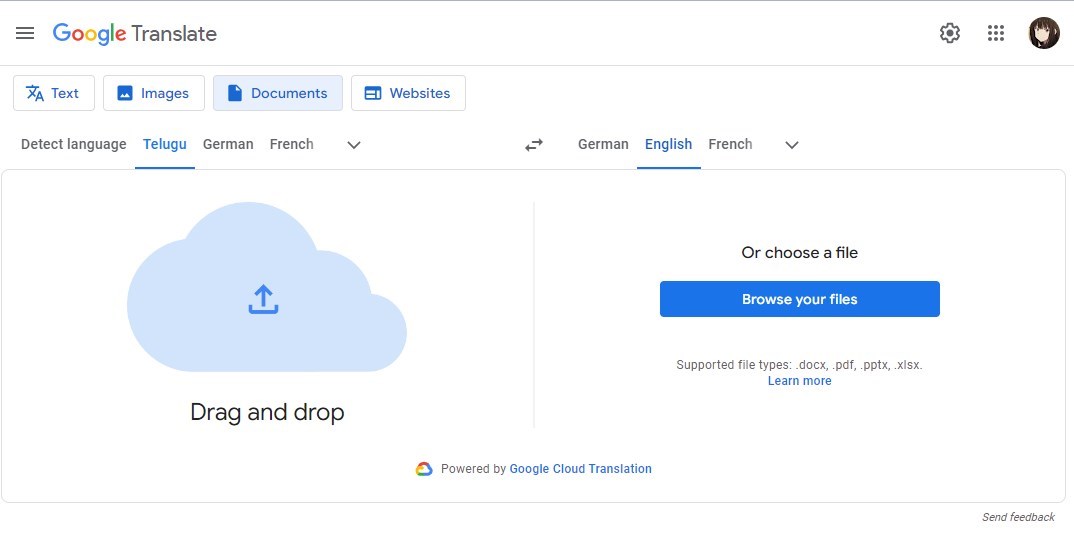
Google Translate for Telugu to English PDF Translation
Pros
- It supports multiple input formats. You can use it to work with text, documents, images, transcriptions, and even handwritten texts.
- Completely free service
- Automatic and faster translation
Cons
- It may lose the context of translation sometimes.
- Translation accuracy may drop for some languages.
DocTranslator
DocTranslator is an AI-powered translator specifically created for documents. It supports over 100 languages, making it the most promising tool. It retains the original formatting and layout.
You no longer need to adjust the configuration anymore. To use the tool, you need to have a proper registration for the service.
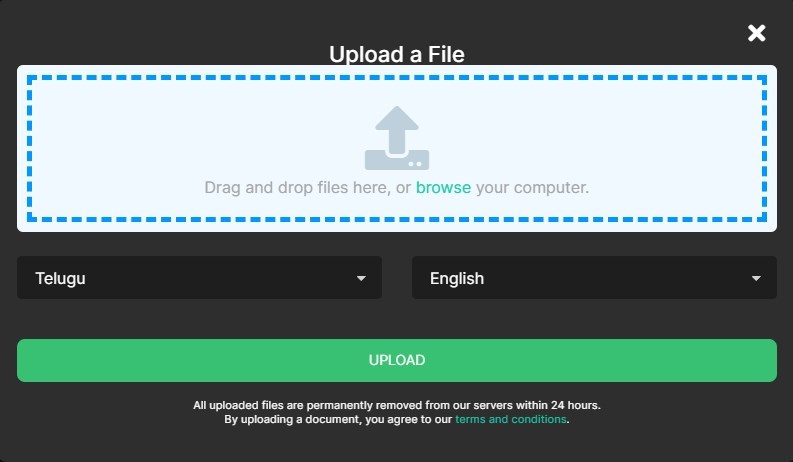
Doctranslator for Telugu to English PDF Translation
Pros
- Support for a good number of languages
- Specifically created to work with documents
- Easy-to-use interface
Cons
- The service is capped at 1000 words.
- Registration required
Shabdkosh
Shabdkosh is an indigenously made PDF translation tool for the Indian languages. Who would know Telugu better than the Indians?
Shabdkosh is an excellent option for translating Indian languages with the best accuracy. The tool accepts the PDF documents as the inputs. Thus, you do not need to copy-paste the content.
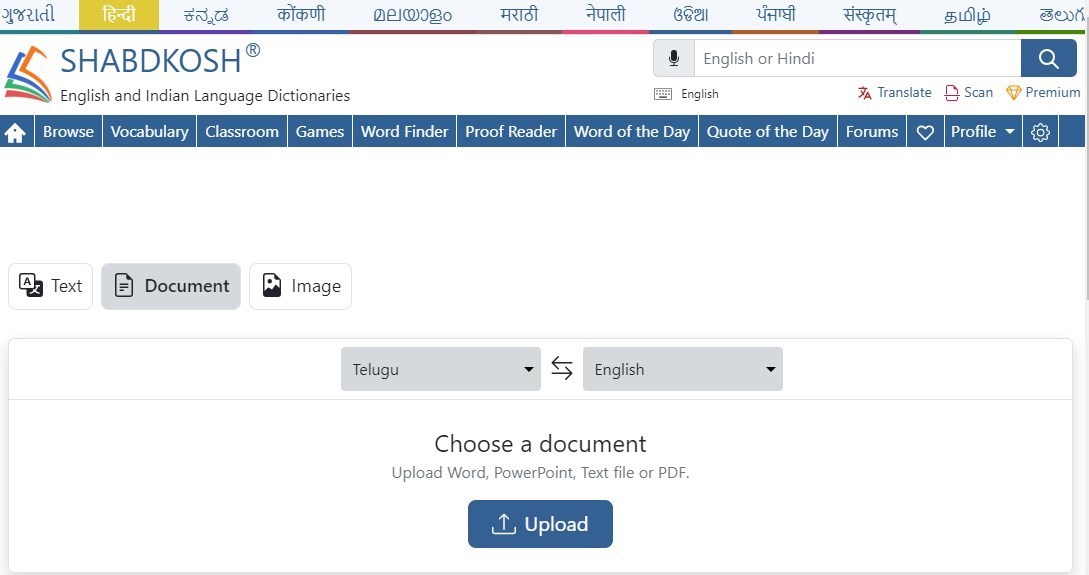
Shabdkosh for Telugu to English PDF Translation
Pros
- A straightforward interface
- A good number of Indian and foreign languages are supported
- A very accurate translation
Cons
- Ads may get annoying
- It may not detect accurate information at times.
DeftPDF
DeftPDF is an all-in-one online PDF tool that helps you edit, translate, and combine PDF files. It offers you more than 40 different solutions. The software can work as an Android app and iOS app as well.
In addition to PDF, the tool can translate Word, PowerPoint, Excel, TXT, and many other files. It may be noticed that it is not a free PDF translator.
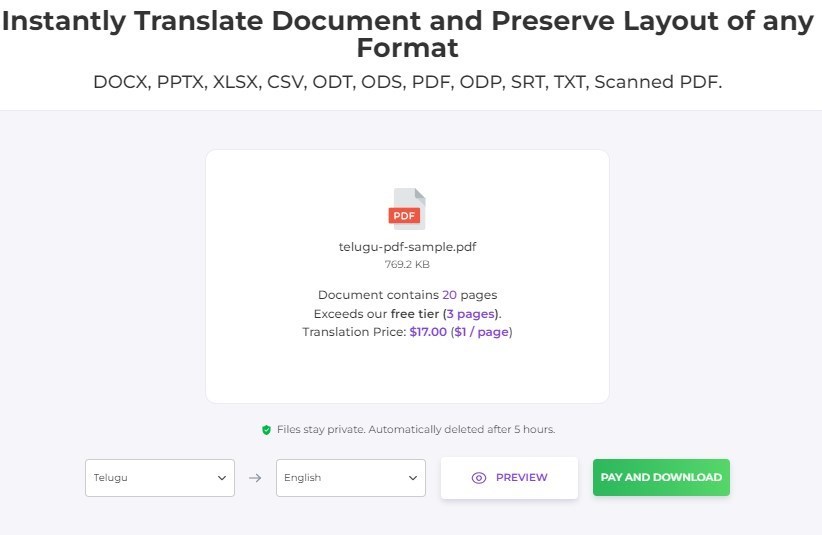
DeftPDF for Telugu to English PDF Translation
Pros
- Easy to interface and accessibility
- It can translate scanned PDF files
- Easy to integrate with Dropbox and Google.
Cons
- Can translate up to five pages
- It may come with ads.
Go to the DeftPDF Document Translator
Microsoft Translator
Microsoft Translator is a tool that comes straight from Microsoft and Bing. It can help you translate PDF from Telugu PDF to English even when you do not have access to a specific tool and are looking to translate the PDF file when on the move.
The language support is a bit limited, but it offers you an exceptional service with accurate translation. Please note that it does not work with documents, but you can use the copy paste option for translating the PDF on the move.
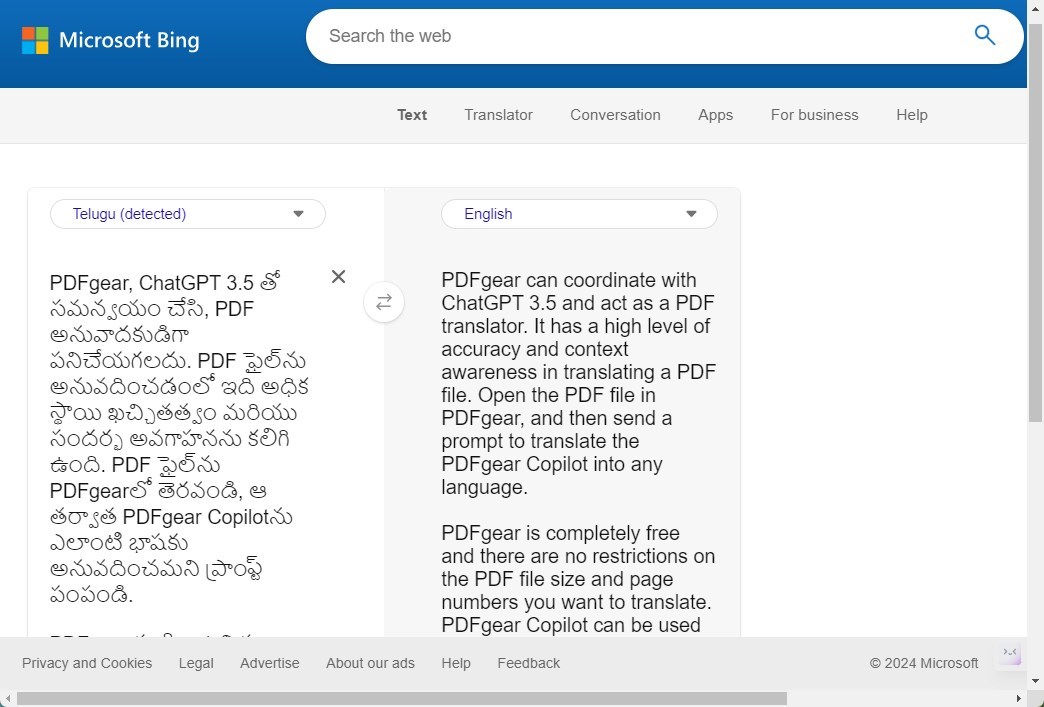
Microsoft Translator for Telugu to English PDF Translation
Pros
- It assists you with the text, voice, and camera translation.
- It is best used for foreign language phrases.
- Friendly interface
Cons
- The language list is not exhaustive when compared to Google Translate.
- May have a few issues with the syntax
In Conclusion
Telugu is a primary language spoken in Andhra Pradesh and Telangana states of India. However, since not everyone knows the language, it is essential to translate the Teugu PDF into English.
We assume the tools outlined in the above discussion should prove to be extremely helpful in providing you with the best possible solutions. Most of the tools use some form of AI to translate PDF into any language.
